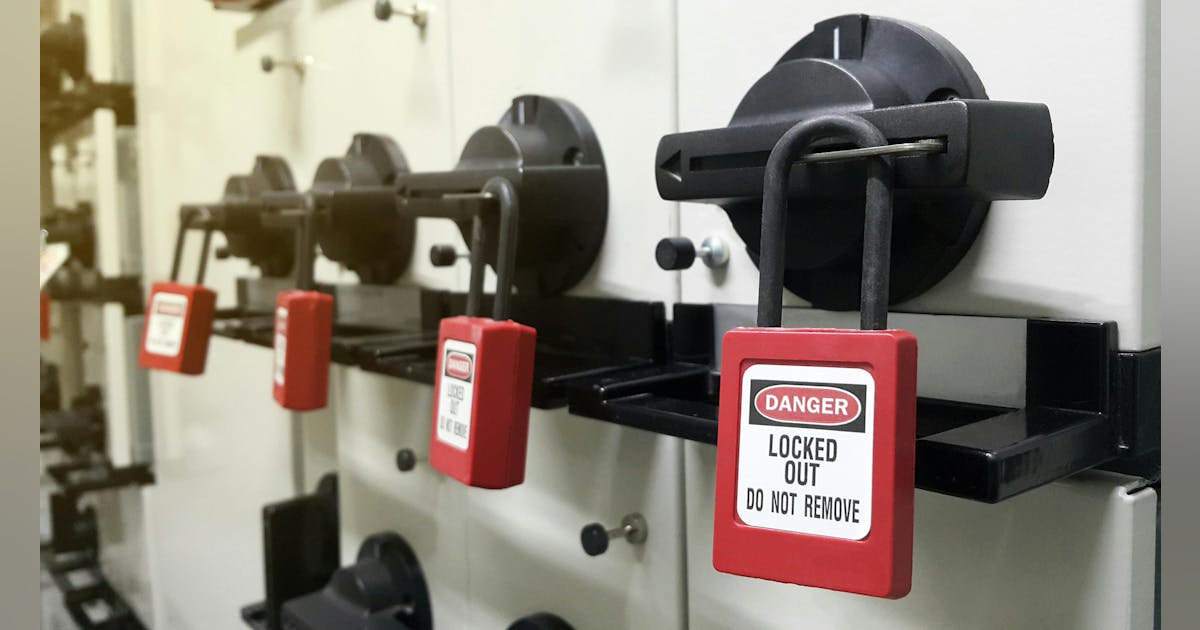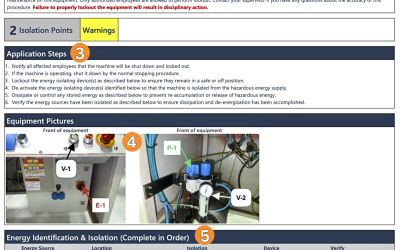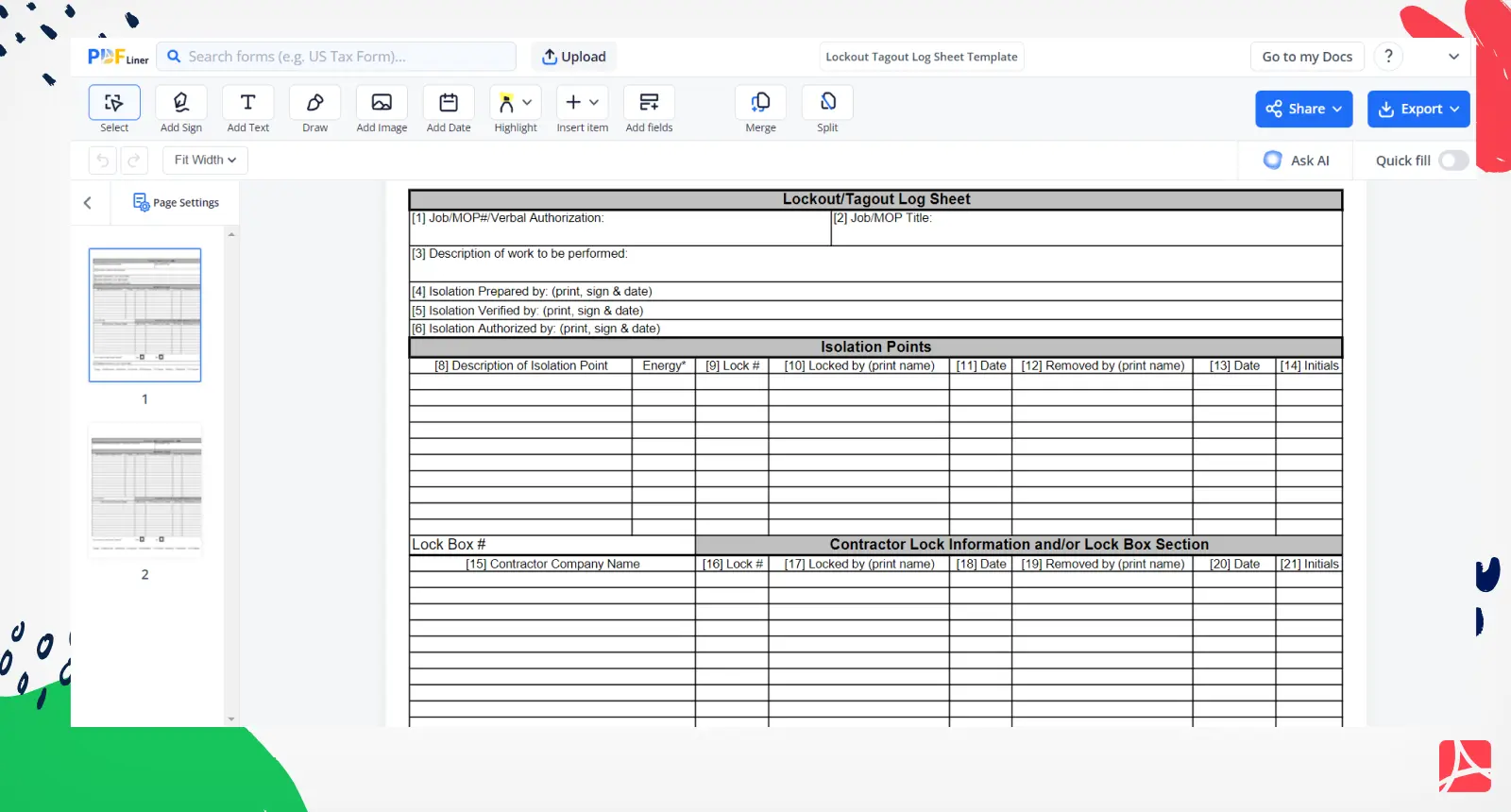
Most industrial accidents involving machinery stem from miscommunication or skipped safety steps—especially during maintenance. One of the most effective tools to prevent such incidents? A clear, visible, and standardized lockout tag. Yet many facilities still rely on handwritten notes or outdated paper systems that fail inspections and put workers at risk.
Printable lockout tag PDF examples solve this problem. They offer ready-to-use, professional templates that ensure consistency, meet OSHA requirements, and can be instantly deployed across teams and equipment. Whether you're in manufacturing, facilities maintenance, or energy production, having access to high-quality, printable PDF lockout tags is non-negotiable for safe operations.
This guide delivers practical, real-world lockout tag PDF examples you can use immediately. We’ll cover standards, design best practices, common mistakes, and where to find reliable templates—so your team never skips a safety step.
Why Printable Lockout Tag PDFs Matter
Lockout/Tagout (LOTO) isn’t just a procedure—it’s a legal obligation under OSHA 29 CFR 1910.147. The goal? To isolate energy sources and prevent accidental startup during servicing. Tags act as visual warnings, communicating that equipment is unsafe to operate.
But not all tags are equally effective. Hand-drawn labels, faded printouts, or unclear text create confusion and violate compliance standards. Printable PDF lockout tags eliminate these risks by offering:
- Consistency: Every tag follows the same format, reducing errors.
- Durability: Print on weather-resistant or laminated paper for long-term use.
- Accessibility: Store digital copies on shared drives or mobile devices for on-demand printing.
- Compliance: Templates built with OSHA-required elements (name, date, reason, department).
Fact: OSHA estimates that proper LOTO procedures prevent 120 fatalities and 50,000 injuries annually. A standardized tag system is a cornerstone of that success.
Key Elements of an Effective Lockout Tag
A printable lockout tag must communicate urgency and clarity at a glance. Use these essential components in every PDF template:
1. Bold Warning Header Start with a high-visibility message like:
“DANGER – DO NOT OPERATE”
Use large, bold font in red or fluorescent colors. This ensures immediate recognition, even from a distance.
2. Critical Information Fields Include blank fields for:
- Employee name
- Department
- Date and time of lockout
- Equipment ID or location
- Reason for lockout (e.g., “Motor Repair,” “Hydraulic Line Replacement”)
Leave these editable so users can fill them out quickly without altering the template.
3. Energy Source Type List applicable energy types being controlled:
- Electrical
- Pneumatic
- Hydraulic
- Chemical
- Thermal
This helps maintenance teams verify isolation points.
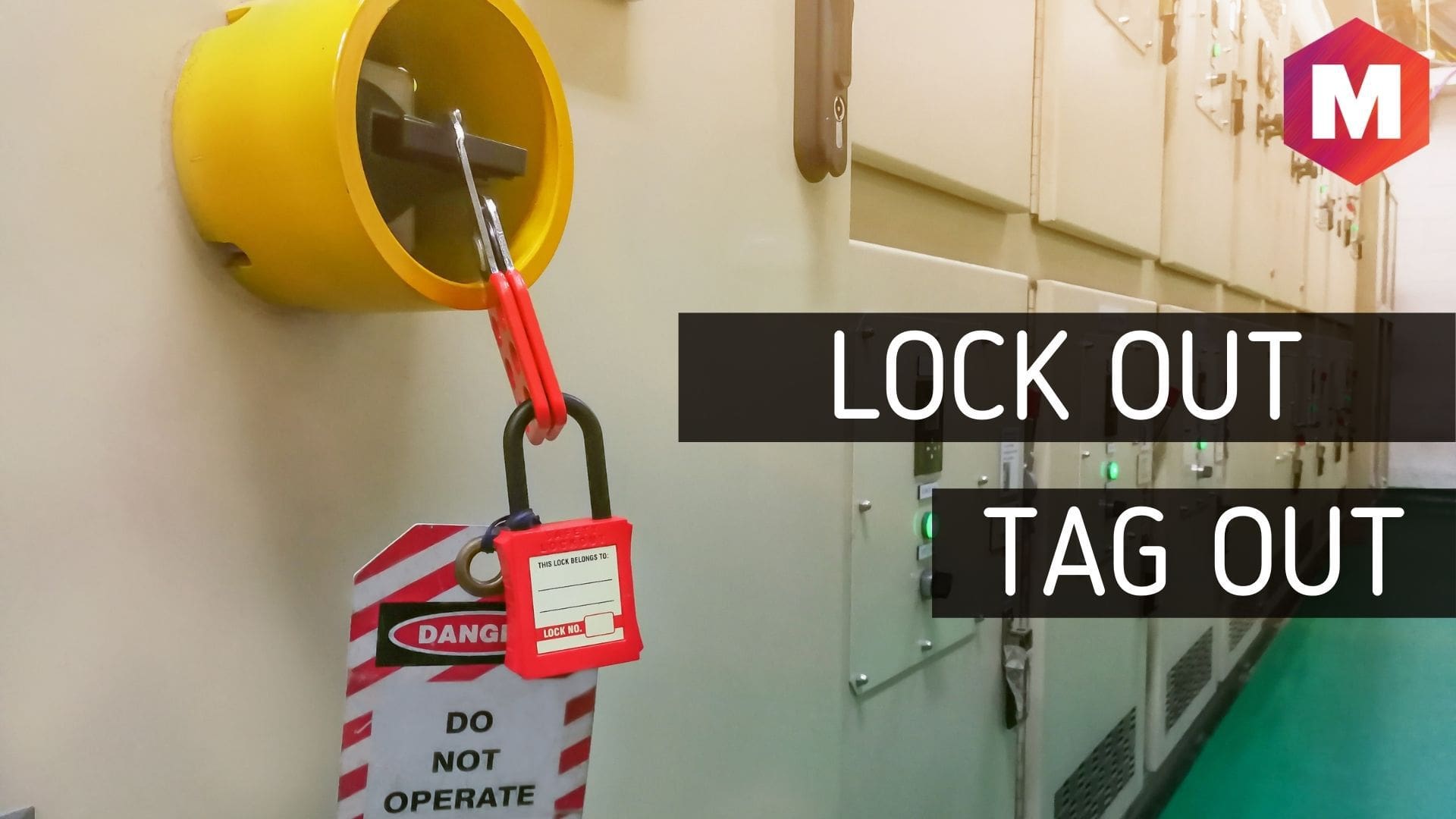
4. Signature or Verification Line Include space for the authorized employee to sign. Some companies also add a secondary verifier line for high-risk tasks.
5. QR Code or Asset ID (Optional but Powerful) Advanced templates embed a QR code linking to maintenance logs, work permits, or safety checklists. This bridges physical tags with digital workflows.
Real-World Printable Lockout Tag PDF Examples
Below are five practical, ready-to-print scenarios with sample text you can replicate in your own templates.
Example 1: Standard Machine Maintenance Header: DANGER – DO NOT OPERATE Name: James Rivera Department: Maintenance Date/Time: 06/11 08:15 AM Equipment: Conveyor Line B – Motor Assembly Reason: Replacing drive belt Energy Sources: Electrical (480V), Mechanical Signature: [Blank line]
Use Case: Daily maintenance in a packaging facility. Print and attach after locking out the disconnect switch.
Example 2: Electrical Panel Isolation Header: WARNING – LOCKOUT IN PROGRESS Name: L. Patel Department: Facilities Date/Time: 06/11 10:30 AM Equipment: Main Distribution Panel – Zone 4 Reason: Circuit inspection Energy Sources: Electrical (120/208V) Signature: [Blank line]
Use Case: Used during electrical upgrades. Hang tag directly on breaker lockout device.
Example 3: Multi-Energy System Lockout Header: DANGER – MULTIPLE ENERGY SOURCES ISOLATED Name: R. Thompson Department: Process Engineering Date/Time: 06/11 01:20 PM Equipment: Reactor Vessel 7A Reason: Internal inspection and cleaning Energy Sources: Electrical, Pneumatic, Thermal (steam), Chemical (residual acid) Signature: [Blank line] Note: All lines flushed and depressurized. Verify before entry.
Use Case: Chemical plant shutdown. Tag includes specific hazard warnings and verification steps.
Example 4: Group Lockout Tag Header: GROUP LOCKOUT IN PROGRESS – DO NOT OPERATE Lead Technician: M. Chen Team Members: 5 total (see attached list) Date/Time: 06/11 07:00 AM Equipment: CNC Milling Station Cluster Reason: Annual calibration and alignment Energy Sources: Electrical, Hydraulic Signature: [Blank line]
Use Case: Multi-craft teams working on complex machinery. Tag references a master list of all lockouts applied.
Example 5: Temporary Out-of-Service Tag Header: OUT OF SERVICE – UNDER REPAIR Name: T. Wilson Department: Maintenance Date: 06/11 Equipment: Forklift #12 Reason: Brake system failure Estimated Return to Service: 06/13 Signature: [Blank line]
Use Case: Mobile equipment repair. Used when full lockout isn’t required but operation is unsafe.
Where to Get Reliable Printable Lockout Tag PDFs
| -------- | -------- | ---------- |
|---|---|---|
| EHS Daily Advisor | Editable PDFs with visual warnings | Quick deployment in mid-sized facilities |
| Creative Safety Supply | Color-coded tags, bilingual options | Multilingual teams, visual safety programs |
| LockoutTagout.com | Industry-specific templates (electrical, hydraulic) | High-risk environments |
| Template.net | Fully customizable designs | Companies with branded safety programs |
Pro Tip: Download templates as PDFs, then import them into PDF editors like Adobe Acrobat or Foxit to create fillable forms. This lets technicians type responses instead of handwriting—reducing errors and improving legibility.
Common Mistakes to Avoid
Even with great templates, teams make mistakes that undermine lockout effectiveness:
- Using pencils: Ink fades; pens or digital fields are better.
- Leaving fields blank: Missing names or dates weaken accountability.
- Attaching tags incorrectly: Tags should be secured to locks or energy isolation points—not taped to walls.
- Reusing tags: Never use the same tag for multiple jobs. Print fresh ones each time.
- Poor visibility: Tags must be readable from at least 6 feet away.
Also, remember: Tags are warnings. Locks are the physical barrier. A tag without a lock is not compliant.
Design Tips for Maximum Impact
A well-designed PDF lockout tag improves compliance and safety culture:
- Use high-contrast colors: Red background with white text for warnings.
- Standardize size: 4” x 6.5” is common and fits most tag holders.
- Add your company logo: Builds ownership and legitimacy.
- Include multilingual text: If needed, add Spanish or other primary languages on the same tag.
- Test print quality: Ensure text stays sharp on standard office printers.
One plant manager reported a 40% increase in tag completion rates after switching from handwritten tags to pre-formatted PDFs—simply because it took less time and felt more official.
Integrating PDF Tags into Your LOTO Program
Having printable tags is just the first step. To maximize safety:
- Train all authorized employees on how to use and complete the tags.
- Store templates digitally on intranet or shared folders—accessible from maintenance offices or mobile devices.
- Keep physical copies near lockout stations for backup.
- Audit tag usage monthly to ensure compliance.
- Update templates annually or when equipment changes.
Pair your PDF tags with lockout boxes, hasps, and padlocks for a complete system.
Final Thoughts: Safety Starts with a Tag
A printable lockout tag PDF isn’t just a piece of paper. It’s a legal document, a communication tool, and a frontline defense against injury. By using standardized, well-designed templates, you eliminate guesswork, strengthen compliance, and protect your team.
Download or create your own professional lockout tag PDFs today. Print them, post them, and make them part of every maintenance routine. Because when seconds count, a clear, visible tag can mean the difference between a safe shutdown and a catastrophic incident.
Frequently Asked Questions
What should a lockout tag include? A lockout tag must have a warning header, employee name, department, date/time, equipment ID, reason for lockout, energy sources, and a signature line.
Can I use a PDF as a lockout tag? Yes, if it’s printed on durable paper and securely attached to the lockout device. Digital-only tags don’t meet OSHA physical tag requirements.
Are free lockout tag templates reliable? Some are. OSHA.gov and reputable EHS suppliers offer compliant templates. Avoid generic office supply sites with unverified designs.
Can I customize a printable lockout tag PDF? Absolutely. Use a PDF editor to add your company name, logo, or specific fields for different departments.
How long should a lockout tag stay on? Until the authorized employee who applied it removes it. Tags should never be removed by someone else.
Do lockout tags expire? Not officially, but they should be removed immediately after work is complete. Never leave old tags on equipment.
Can I use the same tag for multiple machines? No. Each lockout event requires a new, unique tag with current information. Reusing tags violates LOTO procedures.
FAQ
What should you look for in Printable Lockout Tag PDF Examples for Safety Compliance? Focus on relevance, practical value, and how well the solution matches real user intent.
Is Printable Lockout Tag PDF Examples for Safety Compliance suitable for beginners? That depends on the workflow, but a clear step-by-step approach usually makes it easier to start.
How do you compare options around Printable Lockout Tag PDF Examples for Safety Compliance? Compare features, trust signals, limitations, pricing, and ease of implementation.
What mistakes should you avoid? Avoid generic choices, weak validation, and decisions based only on marketing claims.
What is the next best step? Shortlist the most relevant options, validate them quickly, and refine from real-world results.